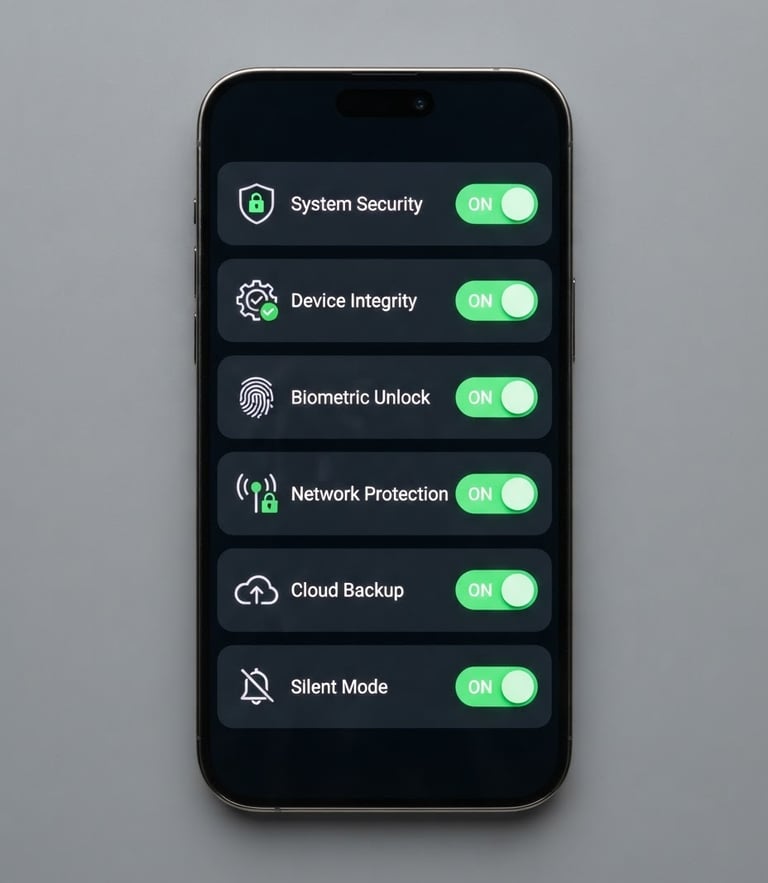
Configure security apps step-by-step
Get your security system fully calibrated today. Learn how to connect mobile apps, adjust motion sensitivity, and manage cloud storage without dealing with unhelpful automated manufacturer support bots.
Get connected in minutes
Follow these precise, manufacturer-agnostic checklists to pair your security hardware with your mobile device, ensure consistent remote viewing, and maintain a strong network connection.
Apple iOS Setup
Android OS Setup
Subscription Sync
Enable local network permissions inside your iOS settings, toggle background app refresh, and configure critical push alerts so you never miss an activity notification.
Disable battery optimization for your Android security app, allow unrestricted background data usage, and establish high-priority notification channels to guarantee instant delivery of alerts.
Link your physical camera to secure cloud storage, choose optimal video retention cycles, and avoid paying for redundant, expensive multi-device subscription plans you do not need.
Precision calibration stops false alerts
Fine-tuning your camera's resolution and masking out high-traffic zones prevents endless spam notifications on your phone while ensuring critical security events are recorded in full HD.
Need a plain-English fix?
Get direct, practical troubleshooting from an independent CCTV specialist to resolve your complex mobile application and system configuration issues today.